Preparing for Fine-Tuning
Picking up where we left off, the CLANNAD script has been parsed and processed into a JSON file suitable for fine-tuning LLaMA, so next we’ll dive into the actual hands-on fine-tuning of LLaMA.
Since fine-tuning requires substantial resources and might take several hours, making closing the Colab tab inevitable, I turned into a pay-to-play user and switched to AutoDL.
Part of the reason for switching to AutoDL is that its training speed is faster than Colab. Back in May, when I trained a dog face recognition model, AutoDL completely crushed Colab in training speed. The power of pay-to-win is real!
Before fine-tuning, we still need to download the pre-trained model. Since downloading the model requires significant disk space and takes a long time, please expand the data disk and boot up using “No-GPU mode”; otherwise, the cost of GPU idling is truly unaffordable.
While downloading the model, check out the official fine-tuning documentation to get familiar with the fine-tuning workflow.
Looking at this painfully slow speed, I fell into deep thought—maybe I should play a few rounds of CS:GO…
Execute the following commands:
Enable AutoDL academic acceleration
1 | import subprocess |
Clone a bunch of repositories and install dependencies via pip
1 | git clone https://github.com/SUTFutureCoder/CLANNAD_LLaMA.git |
Install git-lfs, as the pre-trained model files are quite large
1 | wget https://github.com/git-lfs/git-lfs/releases/download/v3.0.1/git-lfs-linux-amd64-v3.0.1.tar.gz |
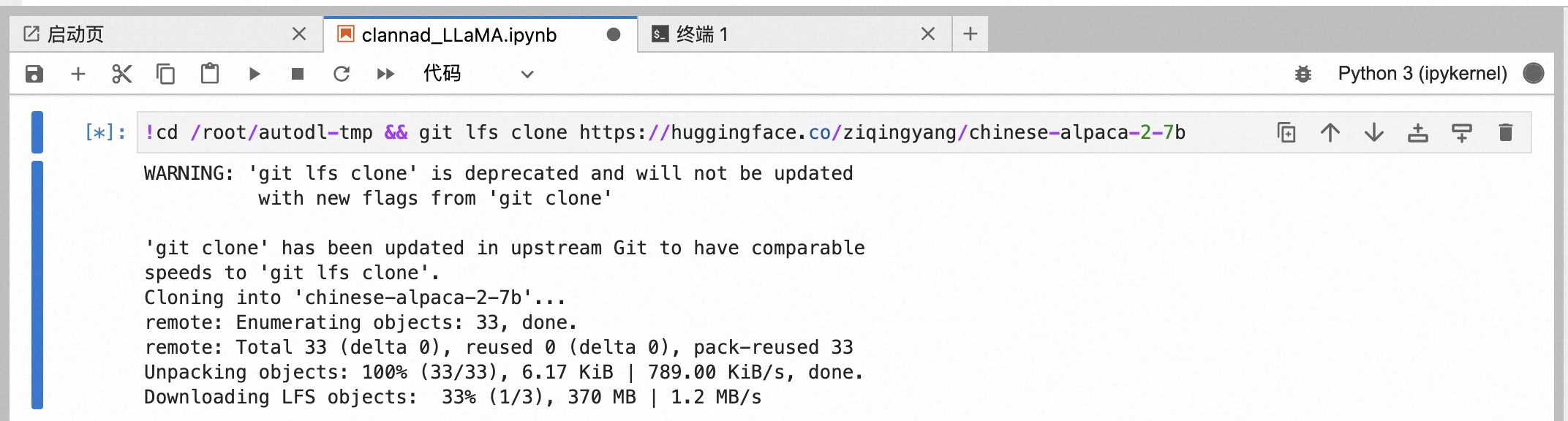
Download the pre-trained model (extremely slow, around 1.2 MB/s, takes about 2h+)
1 | cd /root/autodl-tmp && git lfs clone https://huggingface.co/ziqingyang/chinese-alpaca-2-7b |
Try out the pre-trained model using Gradio (note: if academic acceleration is not enabled, the Gradio public reverse proxy link won’t be provided)
1 | cd /root/autodl-tmp && python ../Chinese-LLaMA-Alpaca-2/scripts/inference/gradio_demo.py --base_model chinese-alpaca-2-7b --load_in_8bit |
According to the fine-tuning documentation, configure the bash script and leave other parameters untouched for now.
1 | pretrained_model=/root/autodl-tmp/chinese-alpaca-2-7b |
Execute the pre-training script
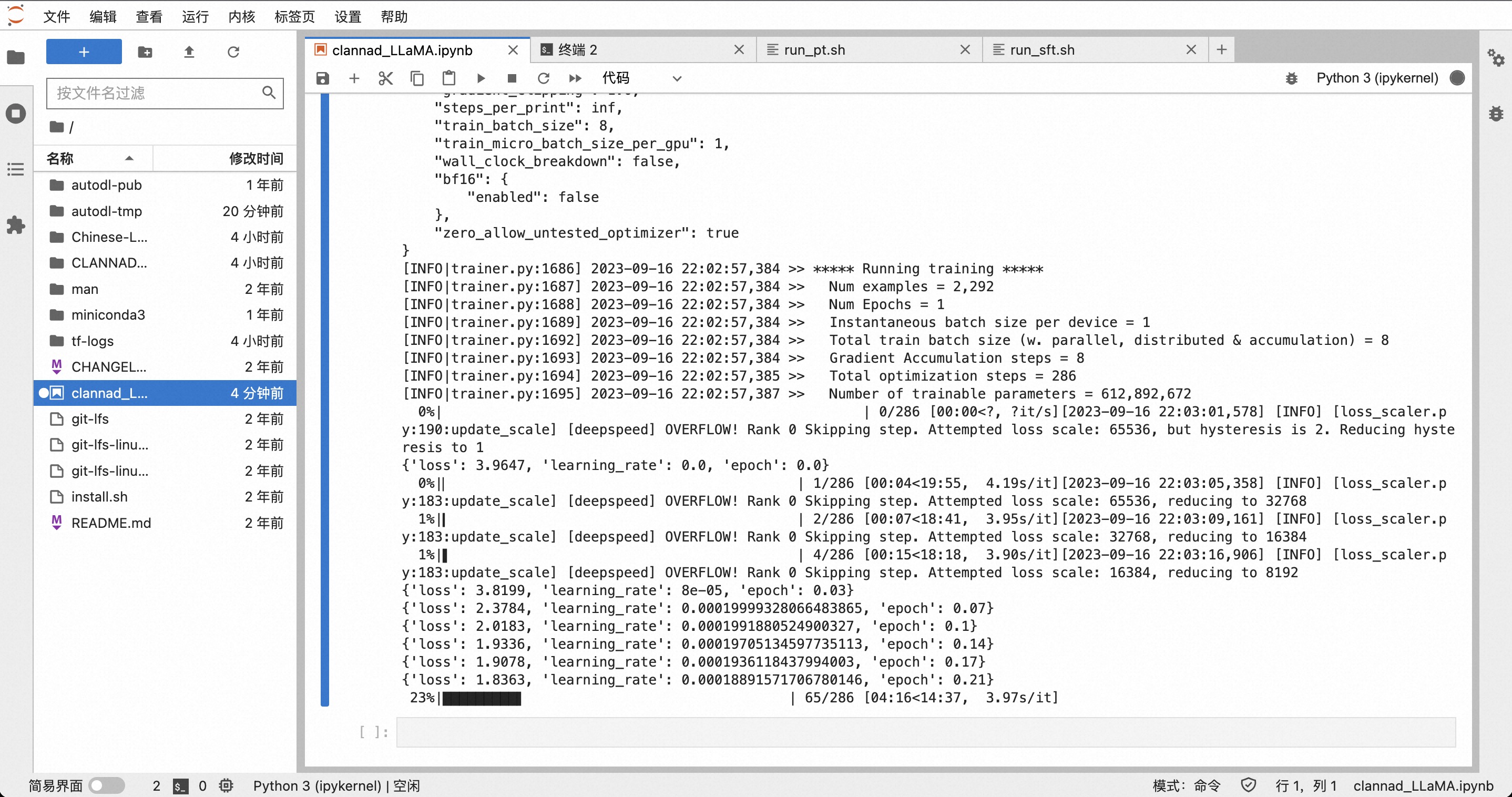
1 | cd /root/Chinese-LLaMA-Alpaca-2/scripts/training && bash run_pt.sh |
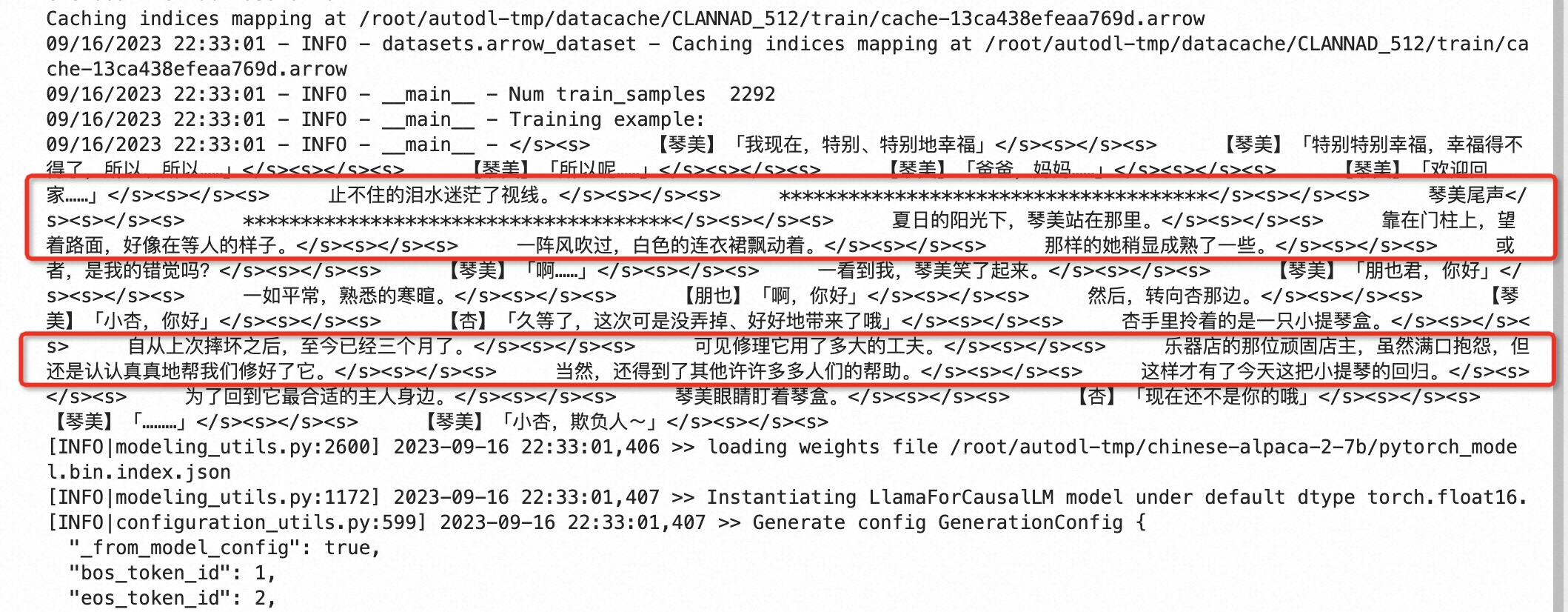
The pre-training txt file will contain scene and context information
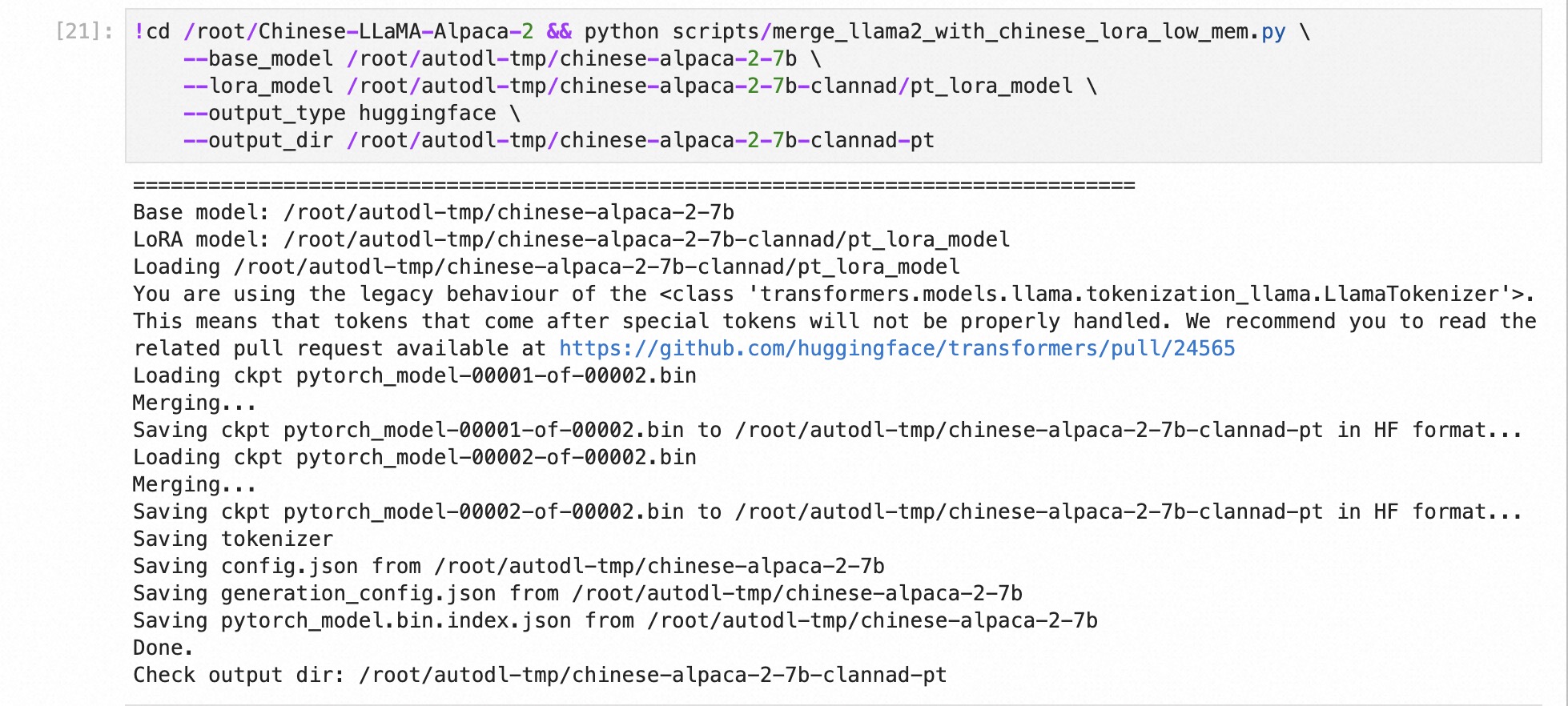
Merge parameters
1 | cd /root/Chinese-LLaMA-Alpaca-2 && python scripts/merge_llama2_with_chinese_lora_low_mem.py \ |
Then proceed with fine-tuning
1 | pretrained_model=/root/autodl-tmp/chinese-alpaca-2-7b-clannad-pt |
1 | cd /root/Chinese-LLaMA-Alpaca-2/scripts/training && bash run_sft.sh |
Merge parameters
1 | cd /root/Chinese-LLaMA-Alpaca-2 && python scripts/merge_llama2_with_chinese_lora_low_mem.py \ |
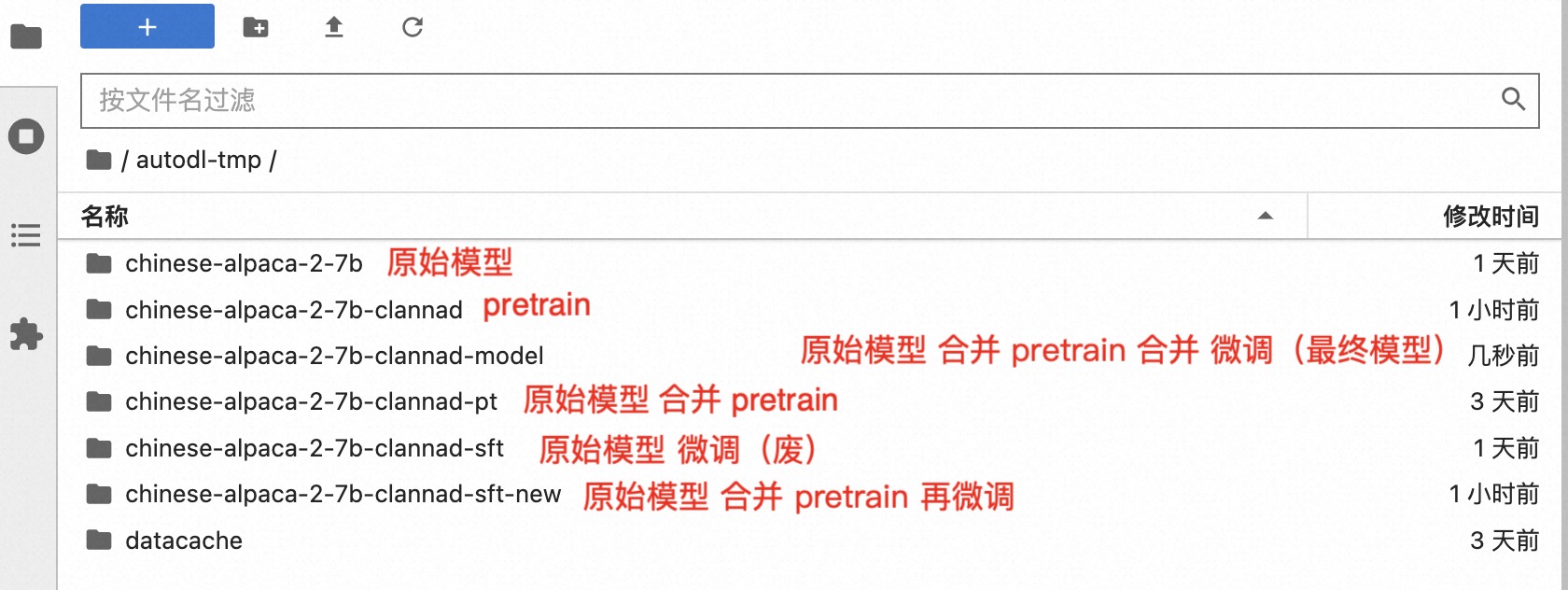
Open the online interactive interface with Gradio
1 | cd /root/autodl-tmp && python ../Chinese-LLaMA-Alpaca-2/scripts/inference/gradio_demo.py --base_model chinese-alpaca-2-7b --load_in_8bit |
Construct prompt
1 | 请根据上下文和原始对话内容,续写对话。我将扮演用“【】”包围起来的角色,用“「」”包围起来我的指令,指令中包含了对话对象名字,如没有包含请从上文推测。例如我扮演朋也,指令是让琴美对我吐槽,输入的指令为:【朋也】「琴美,试试吐槽我」 |
Test whether the model can understand context
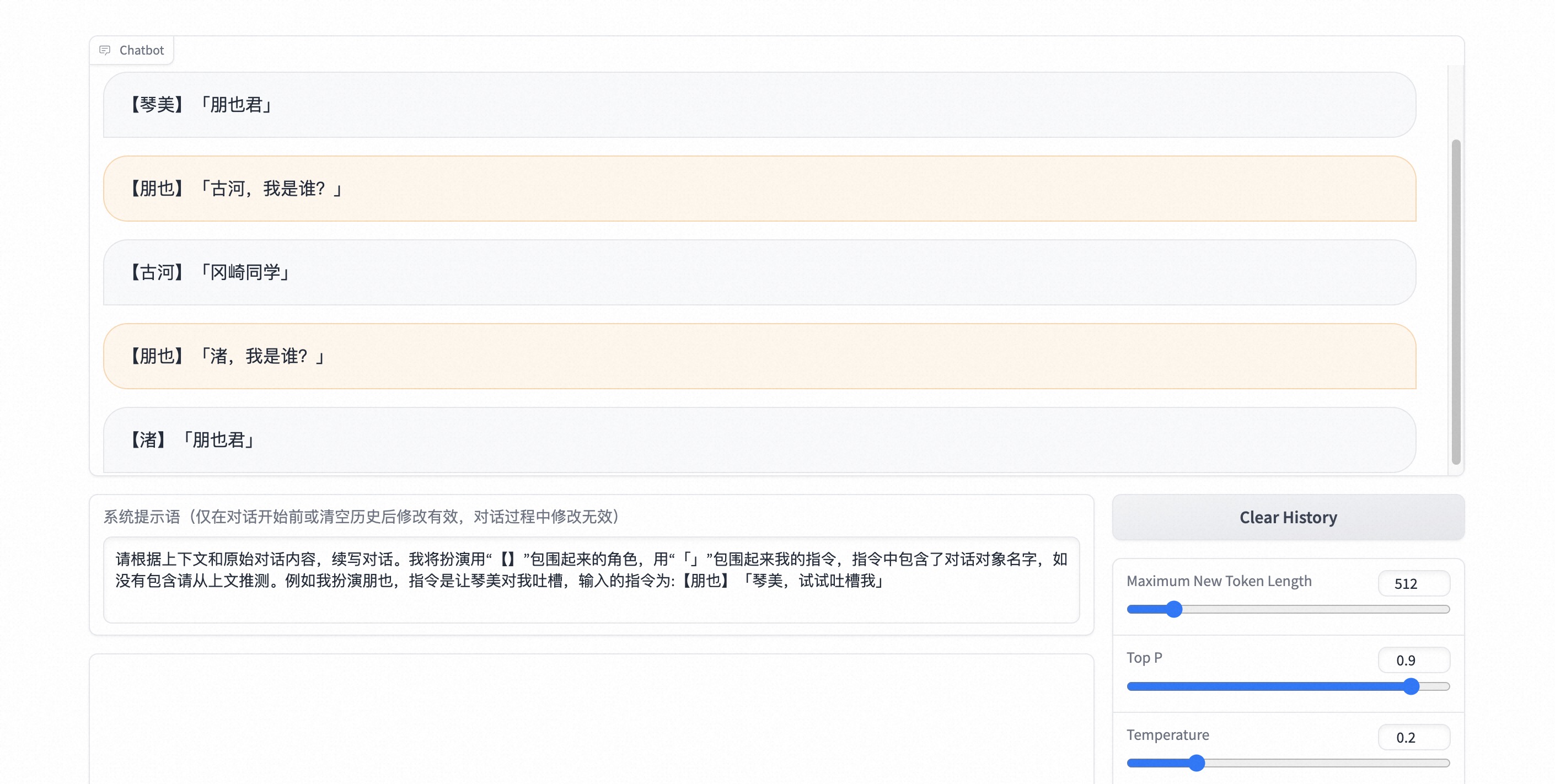
It can be said that a conversational LLM has been successfully trained. Although it deviates a bit from the title “Continuing CLANNAD”, at least a complete LLM training workflow has been accomplished.
However, the actual results are still not great—it still cannot get the target character to complete the second half of a sentence based on the first half from the original text. I believe this is due to overfitting caused by using identical training and validation sets.
Next, I plan to use the last 30% of each character’s lines as the validation set for training. I will continue to put all the code and notebooks here.