Preparing Fine-Tuning Data

Today I plan to achieve the following goals:

  • Read files
  • Gather data statistics
  • Clean data
  • Construct fine-tuning JSON
  • Attempt fine-tuning the LLaMA LLM

The code and execution results are available on GitHub.

Parsing Character Lines

Since Java is my daily bread and butter, even though Python is great, I chose Java. After all, preparing the fine-tuning data JSON is a one-off task that isn’t part of the model training itself, so it’s fine to just use the tool I’m most comfortable with to parse and build it.

First, define two core data classes. The first is for character lines, where each object stores the character’s name and their corresponding speech or thought.

1
2
3
4
5
@Data
public class CharacterQuote {
String name;
String quote;
}

The second is the base JSON object used for fine-tuning the large model, which needs to comply with the Stanford Alpaca format.

1
2
3
4
5
6
@Data
class FinetuneJson {
String instruction;
String input;
String output;
}

The first step of parsing is naturally reading the file, parsing line by line, trimming leading and trailing whitespaces, and trying to print the output. Thanks to the Galgame script format, lines are mostly on a single line and use “【XXX】” to indicate who is speaking.

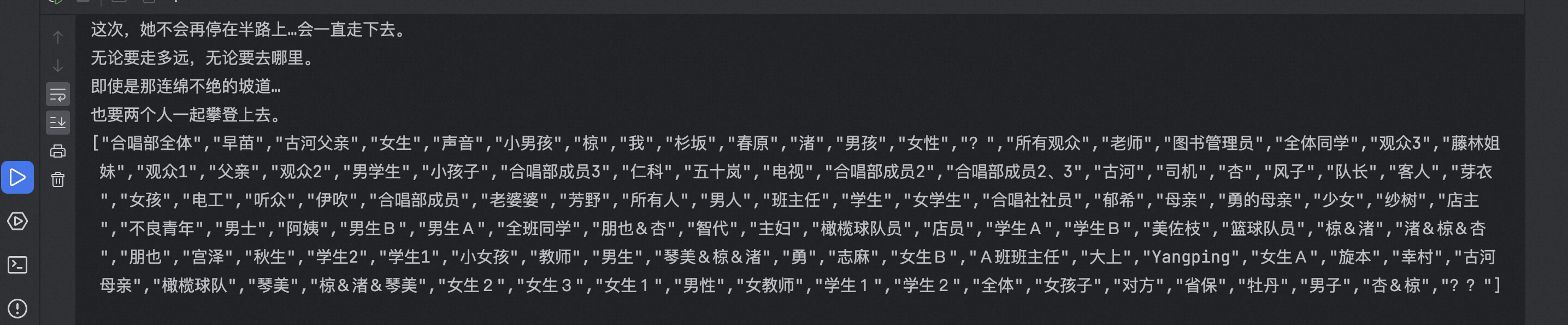
Character list, all old friends, so nostalgic

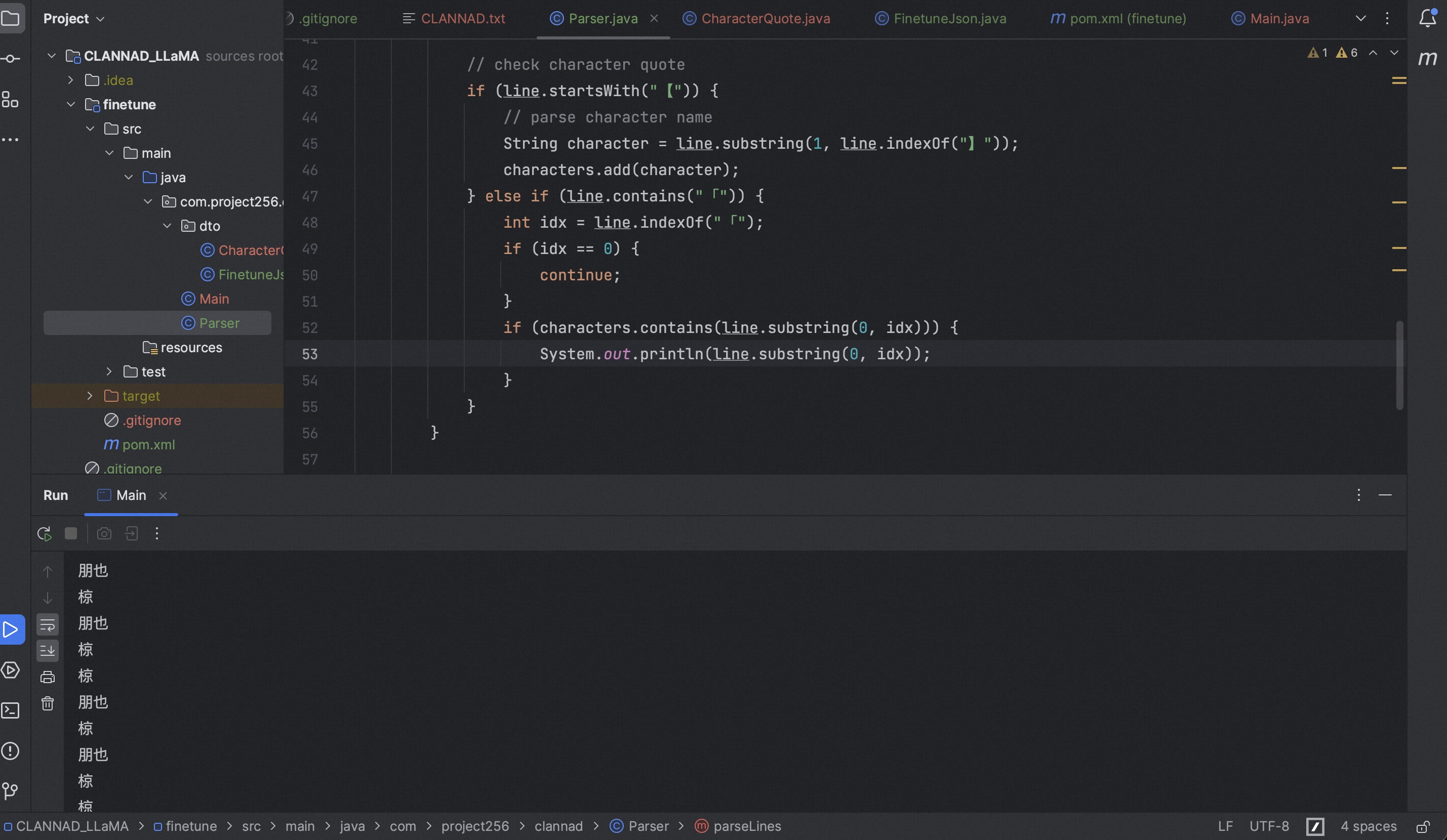
Since some characters in the text are not enclosed in “【】” but appear at the front of a sentence, we first extract a list of character names and then perform matching to improve accuracy.

Because character text enclosed in “【】” appears near the top of the file, we can simply use a Set without needing to read through the file again.

Results of parsing characters not enclosed in brackets

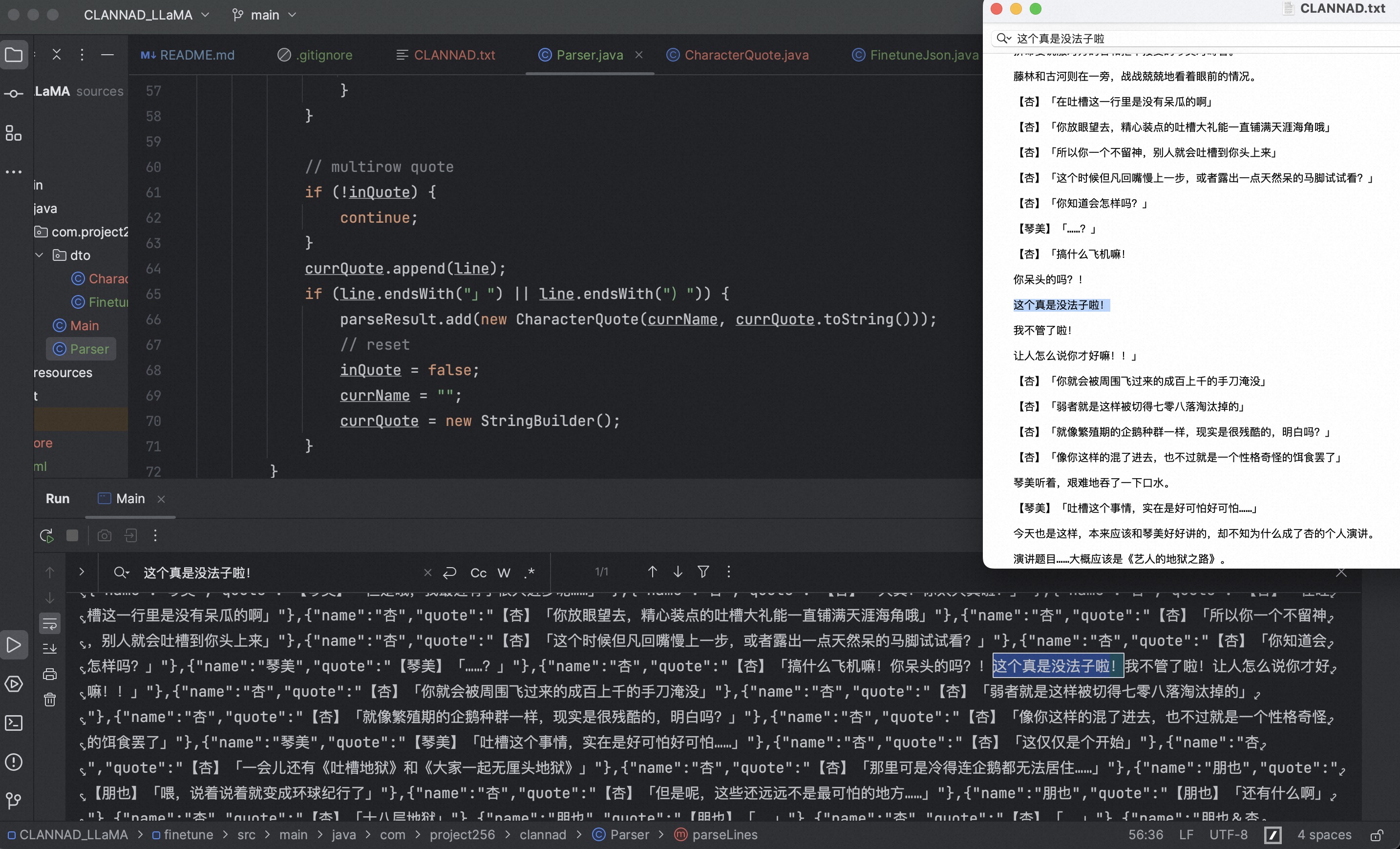
Next, use inQuote to identify whether the current line belongs to a character’s speech, plus check whether the end of the line is a closing symbol to determine if there are multi-line speeches.

Capable of identifying multi-line speech

At this point, Parser.java is complete—reading the script, parsing character lines, and placing them into an object list.

The code is as follows:

1
2
3
4
5
6
7
8
9
10
11
12
13
14
15
16
17
18
19
20
21
22
23
24
25
26
27
28
29
30
31
32
33
34
35
36
37
38
39
40
41
42
43
44
45
46
47
48
49
50
51
52
53
54
55
56
57
58
59
60
public class Parser {

private final BufferedReader reader;

Parser(String file) throws FileNotFoundException {
reader = new BufferedReader(new FileReader(file));
}

public List<CharacterQuote> parseLines() throws IOException {
List<CharacterQuote> parseResult = new ArrayList<>();
Set<String> characters = new HashSet<>();
String currName = "";
StringBuilder currQuote = new StringBuilder();
boolean inQuote = false;

String line;
while ((line = reader.readLine()) != null) {
line = line.trim();
if (StringUtils.isBlank(line)) {
continue;
}

// check character quote
if (line.startsWith("【")) {
// parse character name
String character = line.substring(1, line.indexOf("】"));
characters.add(character);
currName = character;
inQuote = true;
} else if (line.contains("「")) {
int idx = line.indexOf("「");
if (idx == 0) {
continue;
}
if (characters.contains(line.substring(0, idx))) {
currName = line.substring(0, idx);
// replace line name
line = "【" + currName + "】" + line.substring(idx);
System.out.println(line);
inQuote = true;
}
}

// multirow quote
if (!inQuote) {
continue;
}
currQuote.append(line);
if (line.endsWith("」") || line.endsWith(")")) {
parseResult.add(new CharacterQuote(currName, currQuote.toString()));
// reset
inQuote = false;
currName = "";
currQuote = new StringBuilder();
}
}
return parseResult;
}
}

Constructing Fine-Tuning JSON

Having successfully parsed the dialogues, next create another class to construct the fine-tuning JSON.

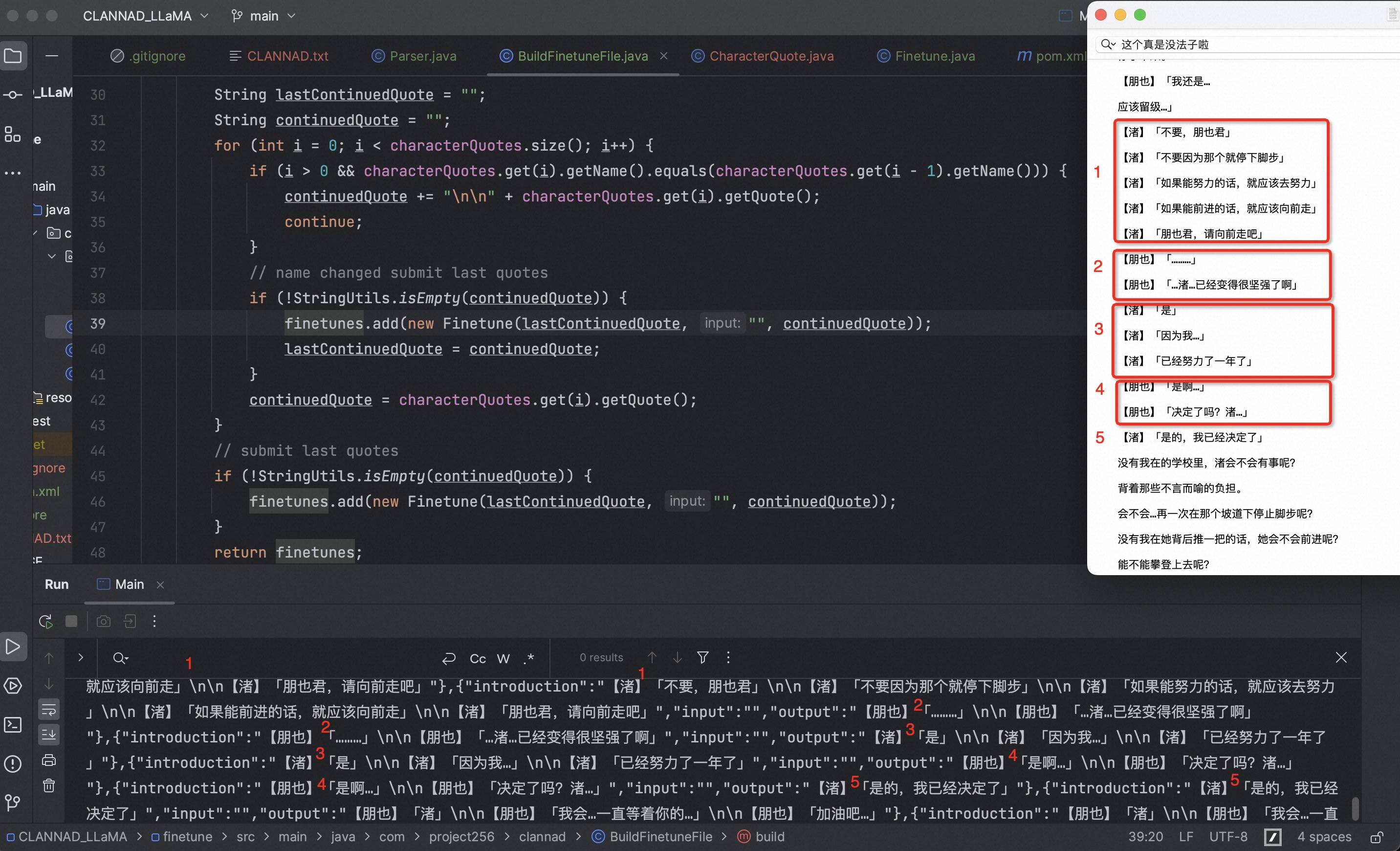
Process the character lines from the previous step into dialogues for fine-tuning.

Constructing 1-2, 2-3, 3-4 style dialogues while preserving context
1
2
3
4
5
6
7
8
9
10
11
12
13
14
15
16
17
18
19
20
21
22
23
24
25
26
27
28
29
30
31
32
33
34
35
36
public class BuildFinetuneFile {

List<CharacterQuote> characterQuotes;

BuildFinetuneFile(List<CharacterQuote> quotes) {
characterQuotes = quotes;
}

public List<Finetune> build() {
if (CollectionUtils.isEmpty(characterQuotes)) {
return null;
}

List<Finetune> finetunes = new ArrayList<>();

String lastContinuedQuote = "";
String continuedQuote = "";
for (int i = 0; i < characterQuotes.size(); i++) {
if (i > 0 && characterQuotes.get(i).getName().equals(characterQuotes.get(i - 1).getName())) {
continuedQuote += "\n\n" + characterQuotes.get(i).getQuote();
continue;
}
// name changed submit last quotes
if (!StringUtils.isEmpty(continuedQuote)) {
finetunes.add(new Finetune(lastContinuedQuote, "", continuedQuote));
lastContinuedQuote = continuedQuote;
}
continuedQuote = characterQuotes.get(i).getQuote();
}
// submit last quotes
if (!StringUtils.isEmpty(continuedQuote)) {
finetunes.add(new Finetune(lastContinuedQuote, "", continuedQuote));
}
return finetunes;
}
}

Outputting Files

Simply create a Main file and run it once~ Next up is fine-tuning the model. That’s all for this section.

1
2
3
4
5
6
7
8
public class Main {
public static void main(String[] args) throws IOException {
Parser parser = new Parser("CLANNAD.txt");
BufferedWriter out = new BufferedWriter(new FileWriter("finetune_json/CLANNAD_LLaMA_finetune.json"));
out.write(new Gson().toJson(new BuildFinetuneFile(parser.parseLines()).build()));
out.close();
}
}